Your inbox
Everything that waits for you is in one place, sorted by what you have to do. Overdue items are escalated to your head, so check the inbox every day.
Step by step
- Open Inbox. Tabs: To sign, To approve, To acknowledge, Tasks, Returned (your documents sent back for revision) and Delegated to me. The number on each tab is how many wait.
- Switch to B · Triage to go through documents one by one with the action buttons on the right, or select several rows in A · Table to approve or acknowledge them in bulk.
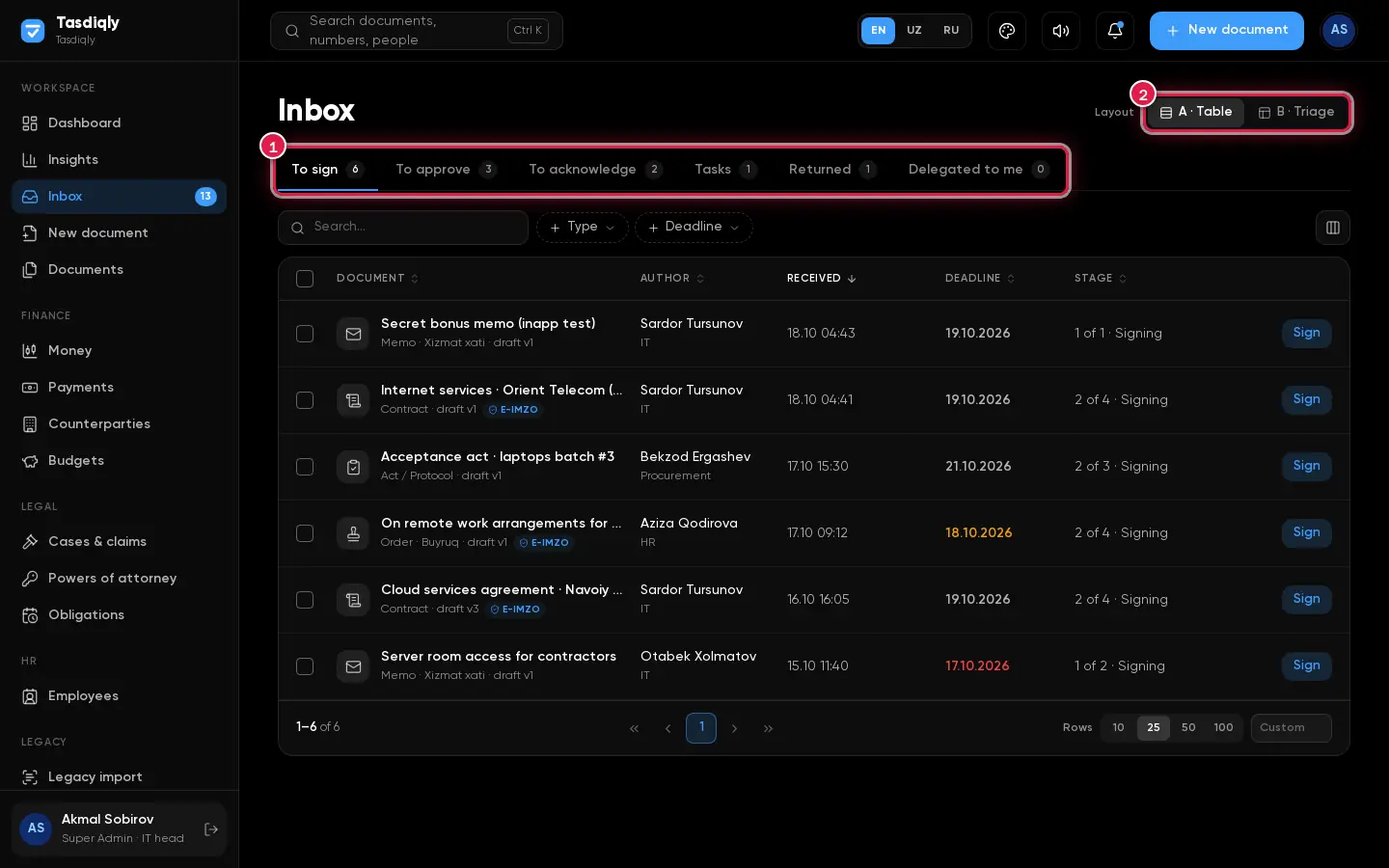
- Tabs with counters
- Table or triage view