Documents from other organizations
A document from a partner on Tasdiqly is legally received the moment it arrives in your organization’s inbox — register it promptly so the partner sees it is being handled and your deadline is met.
Step by step
- Open Exchange → Incoming. Documents from organizations you have not worked with wait in Pending — check the sender (name, TIN, Verified badge) and press Accept sender, or block it.
- Open the document: the banner shows who sent it and why (signature, approval or acknowledgement). The copy is read-only — it is exactly the file the sender signed.
- Press Register: choose the route (a template or the type’s default — signature needs a signing stage), the Executor, the confidentiality (same or stricter), a resolution and a deadline. The document gets an incoming number and goes through your route; the result goes back to the sender automatically.
- Misaddressed or a duplicate? Press Decline with a reason instead of registering. To ask for changes, use Return in the route — the sender gets your comment and can send a new version.
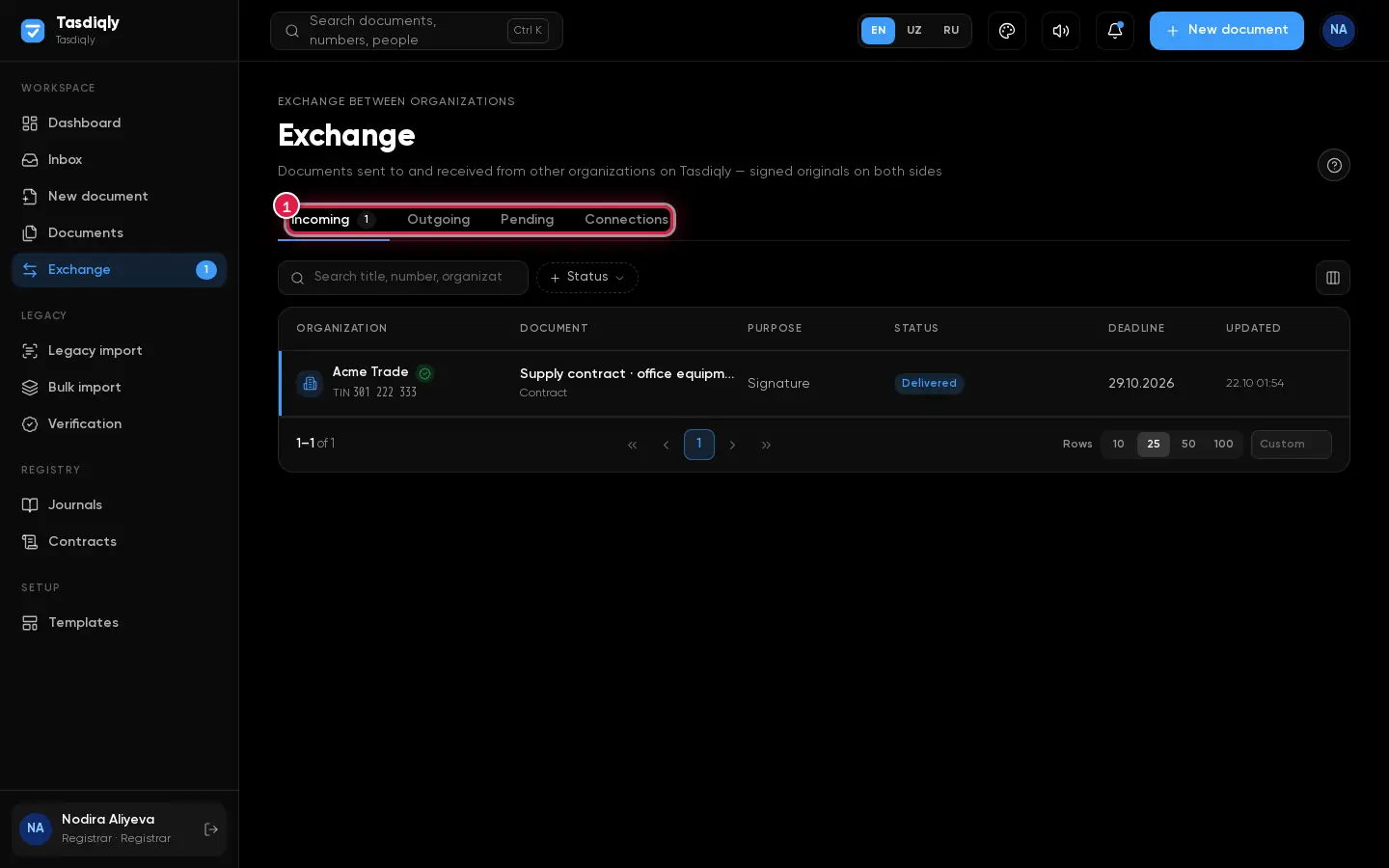
- Tabs
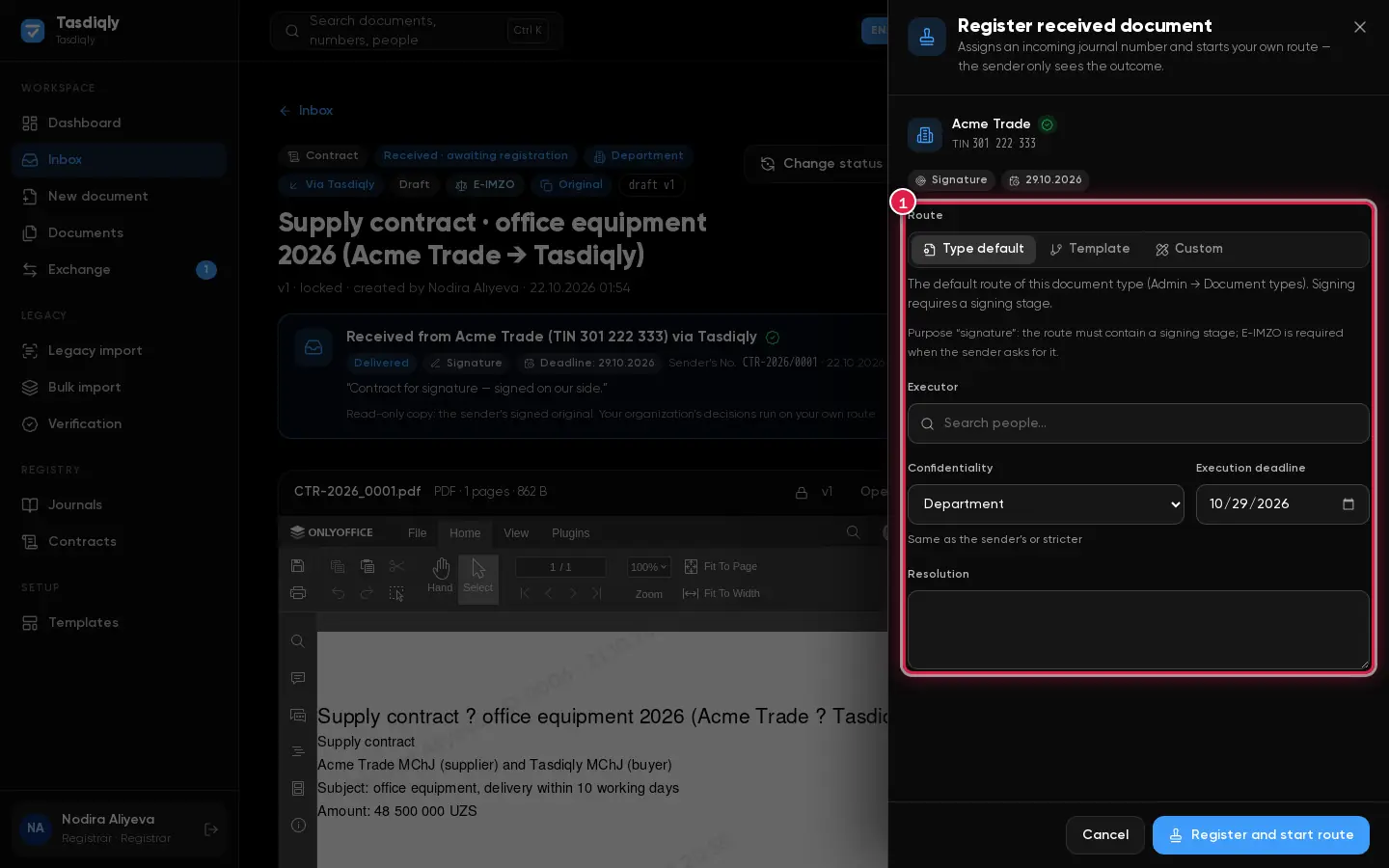
- Route, executor, confidentiality, deadline
Common mistakes
- Leaving documents in Pending — the sender sees no progress although the document counts as received.
Tips
- Your organization’s final signature towards the partner must be E-IMZO (certificate TIN = your organization’s TIN), unless both organizations accept internal signatures from each other.