Themes, sounds and pop-ups
Make Tasdiqly comfortable for a full working day: low-glare themes for the eyes, sounds that don’t disturb colleagues.
Step by step
- Profile & security → Appearance: pick Dark, Light, Sepia · Paper, Dim · Night or Mint (the last three are Easy on the eyes). It is saved immediately.
- Sounds & pop-ups: Volume, Default sound (press Play to listen), Pop-up duration, Quiet hours and Do not disturb now. Send test notification to try it. The bell icon in the top bar mutes sounds with one click.
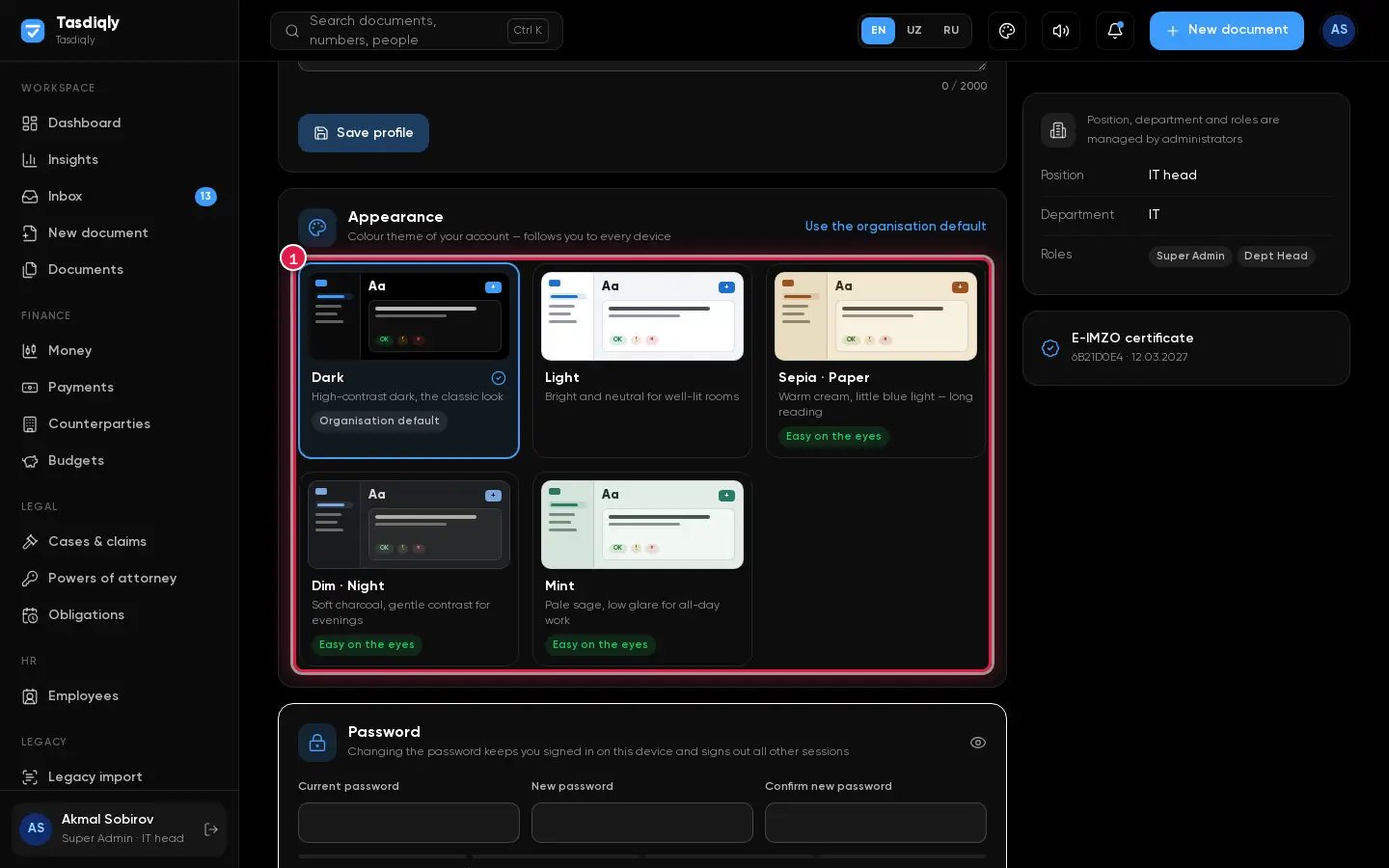
- Themes
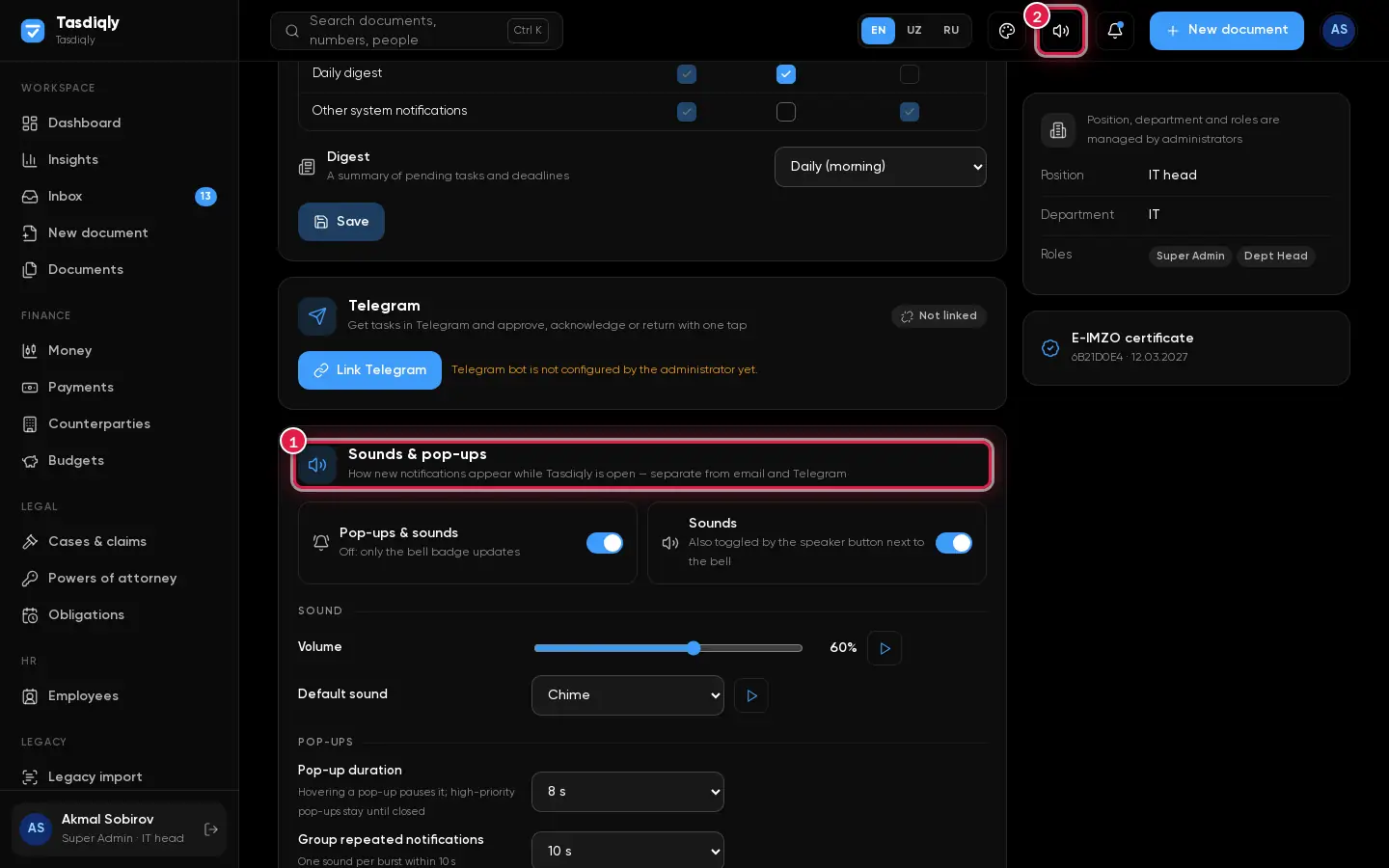
- Sounds & pop-ups settings
- Mute sounds